

Customer management
What it does
Section titled “What it does”With Customer management, your agent keeps your customer records current without anyone typing. When a customer shares a new name, email, phone number, or address, the agent confirms it and updates their record, so your team always sees the right details.
Good for
Section titled “Good for”Every business. It is installed by default on every new account.
What it needs
Section titled “What it needs”Nothing to set up first.
What your customers experience
Section titled “What your customers experience”Customer: Please send the invoice to my new email, ahmed.work@example.com.
Agent: Just to confirm, your email is ahmed.work@example.com?
Customer: Yes.
Agent: Thank you, I’ve updated your details.
What happens behind the scenes
Section titled “What happens behind the scenes”- The agent updates the customer’s record in CRM after confirming the detail with them.
- It only changes details the customer gave in the conversation. It does not invent or guess details.
See Understand customer records.
Settings
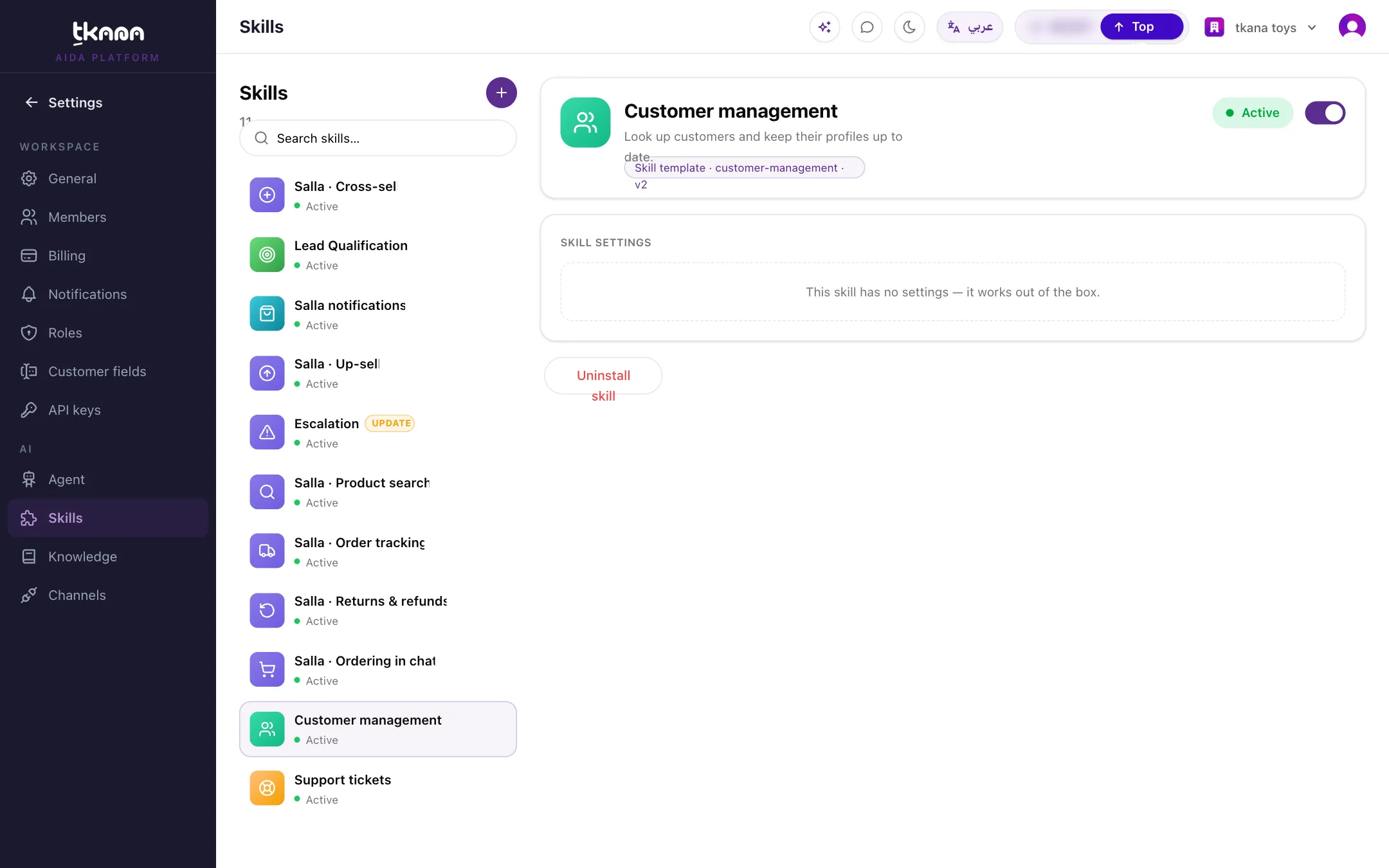
Section titled “Settings”This skill has no settings. It works as soon as it is installed.
Install it
Section titled “Install it”Customer management is already installed on new accounts. If you removed it:
-
Go to Settings, then under AI click Skills.
-
Click + to open the Skill gallery, then click Customer management.
-
Click Install skill.
For more detail, see Install a skill from the gallery.
Was this article helpful?
Thanks for the feedback, it helps us improve these guides.