

Stop automatic replies for some customers
Some people who message your business should always hear from a person: VIP clients, suppliers, partners, or your own staff. You can exclude them from automatic replies with a tag. Their messages still arrive in your inbox, but your agent never answers them.
Before you start: create the tag
Section titled “Before you start: create the tag”Excluded customers are chosen by tag, so the tag must exist first. Go to CRM, open Tags, and create a tag such as “VIP” or “No AI”. Then add it to the customers you want to exclude. See Organize customers with tags and groups.
Exclude customers by tag
Section titled “Exclude customers by tag”-
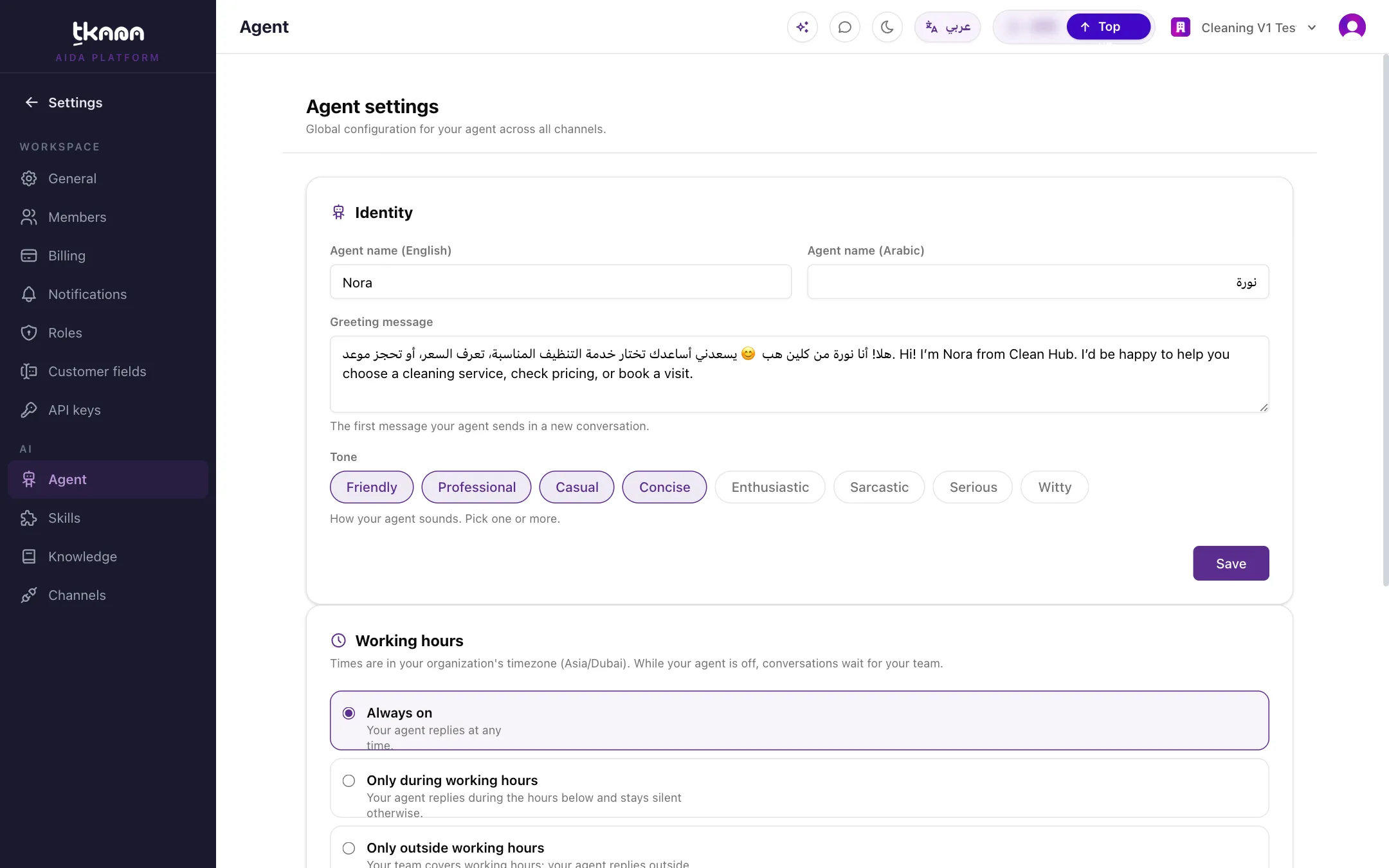
Go to Settings, then under AI click Agent.
-
In the Excluded customers card, select the tags whose customers should never get automatic replies.
-
Click Save.
From now on, any customer carrying one of those tags is answered only by your team. To let your agent reply to a customer again, remove the tag from that customer, or remove the tag from Excluded customers.
Related
Section titled “Related”Was this article helpful?
Thanks for the feedback, it helps us improve these guides.