

tkana for Salla: Help Center
Everything you need to use tkana from inside your Salla store dashboard, step by step.
Can't find it?Ask Aida
Salla guide sections
Getting started
Install tkana from the Salla app store, open it from your dashboard, and set it up on day one.
4 articlesConnect your WhatsApp number, choose how the assistant replies, and turn on store notifications.
4 articlesKnowledge
Teach your assistant about your store with content, FAQs, and instructions.
4 articlesInbox
Follow customer conversations, step in when needed, and organize them.
5 articlesCampaigns
Create marketing templates, send WhatsApp campaigns, and read the results.
5 articlesDashboard
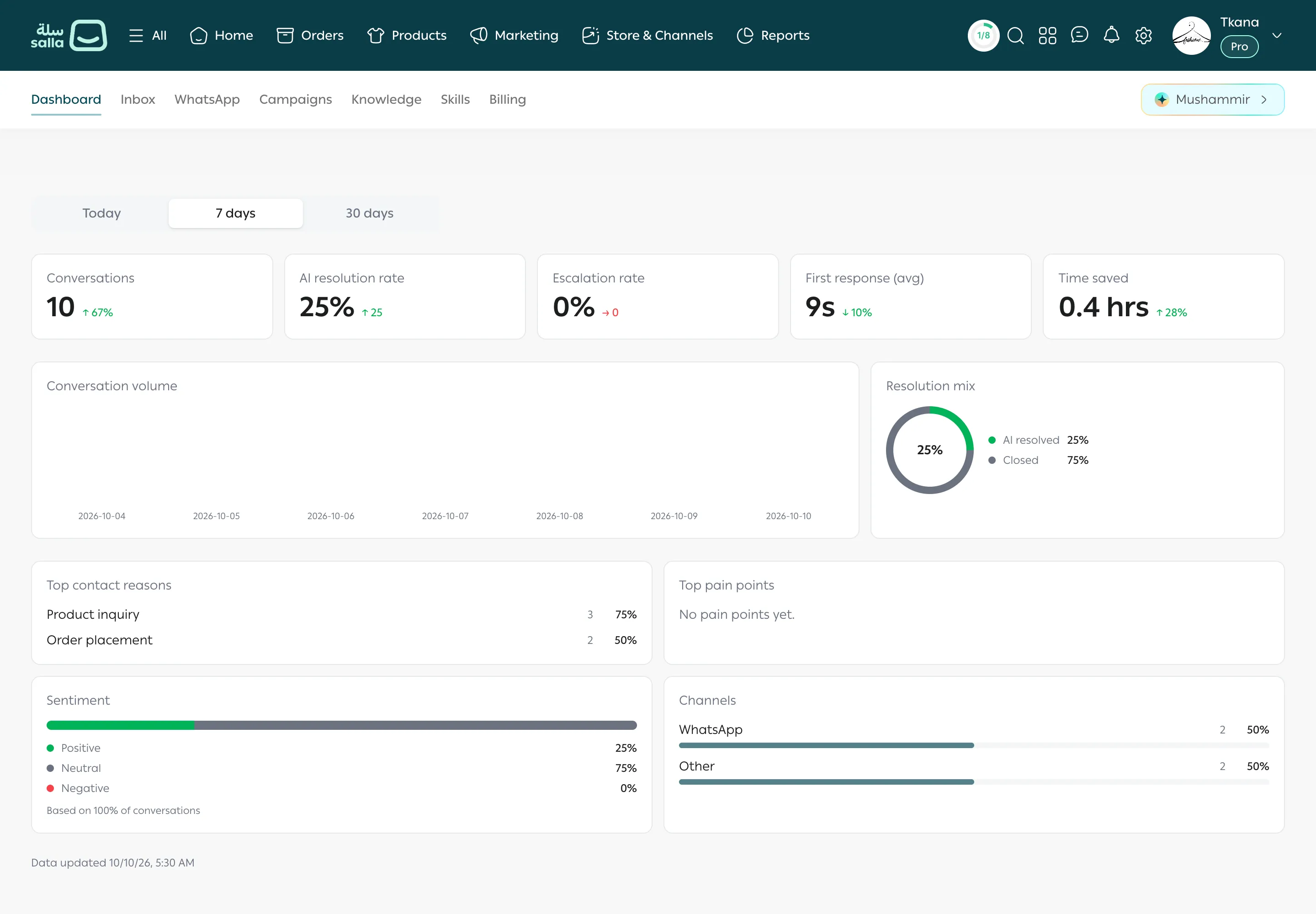
Understand the numbers on your dashboard and what each card means.
1 articleSalla skills
Switch on and set up your assistant's skills: product search, order tracking, and more.
10 articlesAbout tkana for Salla
Section titled “About tkana for Salla”If you sell on Salla, you can use tkana as a Salla app. You install it from the Salla app store and then use it inside your Salla dashboard, with no separate account and no password. Your AI assistant answers customers on WhatsApp, searches your products, follows up on their orders, and sends your store notifications, and you follow all of it from one place.
This guide walks through every task step by step, exactly as it appears on screen.
Suggested reading order
Section titled “Suggested reading order”If you are just getting started, read the sections in this order:
1. Getting started
Section titled “1. Getting started”- Install tkana from the Salla app store
- Open tkana from your Salla dashboard
- A tour of the tkana tabs
- Your first-day setup checklist
2. WhatsApp
Section titled “2. WhatsApp”- Connect your WhatsApp number
- Choose how the assistant replies: Active or Observe only
- Store notifications on WhatsApp
- Edit a notification message
3. Teach your assistant about your store
Section titled “3. Teach your assistant about your store”- What your assistant knows: Content
- Add FAQs
- Write instructions for your assistant
- Knowledge base good practices
- Turn skills on and change their settings
4. Day-to-day work
Section titled “4. Day-to-day work”- Find a conversation
- Open a conversation and see the customer’s orders
- Reply and take over from the assistant
- Send a template after the 24-hour window
- Change a conversation’s status and organize with labels
- Read your dashboard numbers
5. Campaigns
Section titled “5. Campaigns”- Get to know the Campaigns page
- Create a marketing template and submit it for review
- Understand template statuses
- Send a campaign in three steps
- Read your campaign results
6. Salla skills
Section titled “6. Salla skills”Learn what each of your assistant’s store skills does: Product search, Order tracking, Returns & refunds, Ordering in chat, Cross-sell, Up-sell, and Salla notifications.
Still need help?
Ask Aida, our AI assistant, or reach the support team and we will get back to you quickly.