

What your assistant knows: Content
Your assistant answers customers’ questions from two sources:
- Your products and orders in Salla. The assistant reads them from your store directly, so you don’t need to add products or prices by hand.
- Knowledge. What you write about your store, in three sections: Content, FAQs, and Instructions.
This article covers Content. You’ll find the other two in Add FAQs and Write instructions for your assistant.
What Content is
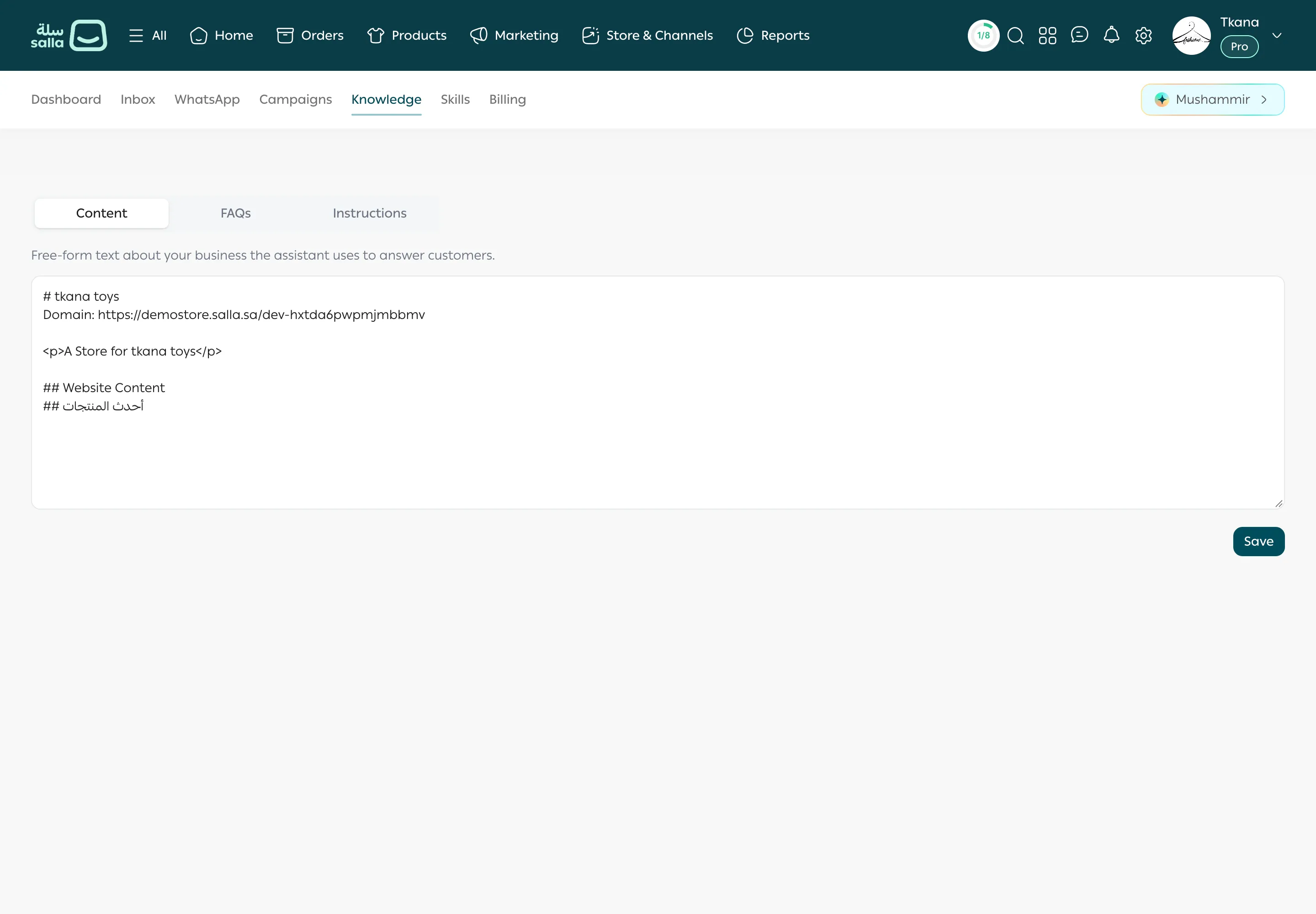
Section titled “What Content is”Content is free-form text about your business that the assistant uses to answer your customers. When you install tkana, it is filled in for you from your store’s name, description, and link, so you may find technical or incomplete text in it. Review it first.
Edit your content
Section titled “Edit your content”-
Open the Knowledge tab. The Content section opens first.
-
Read the text in the box, and remove anything that doesn’t help a customer, such as technical code.
-
Add what’s missing. Useful information includes:
- What you sell, and to whom.
- Delivery areas and times.
- Available payment methods.
- Your return and exchange policy.
- Working hours and how to reach your team.
-
Click Save. You see Saved.
Was this article helpful?
Thanks for the feedback, it helps us improve these guides.
Need more help?