

Add FAQs
FAQs are the most precise way to teach your assistant. You write the question the way a customer asks it and the answer the way you want them to get it, and the assistant uses it whenever it’s asked something similar.
Add a question
Section titled “Add a question”-
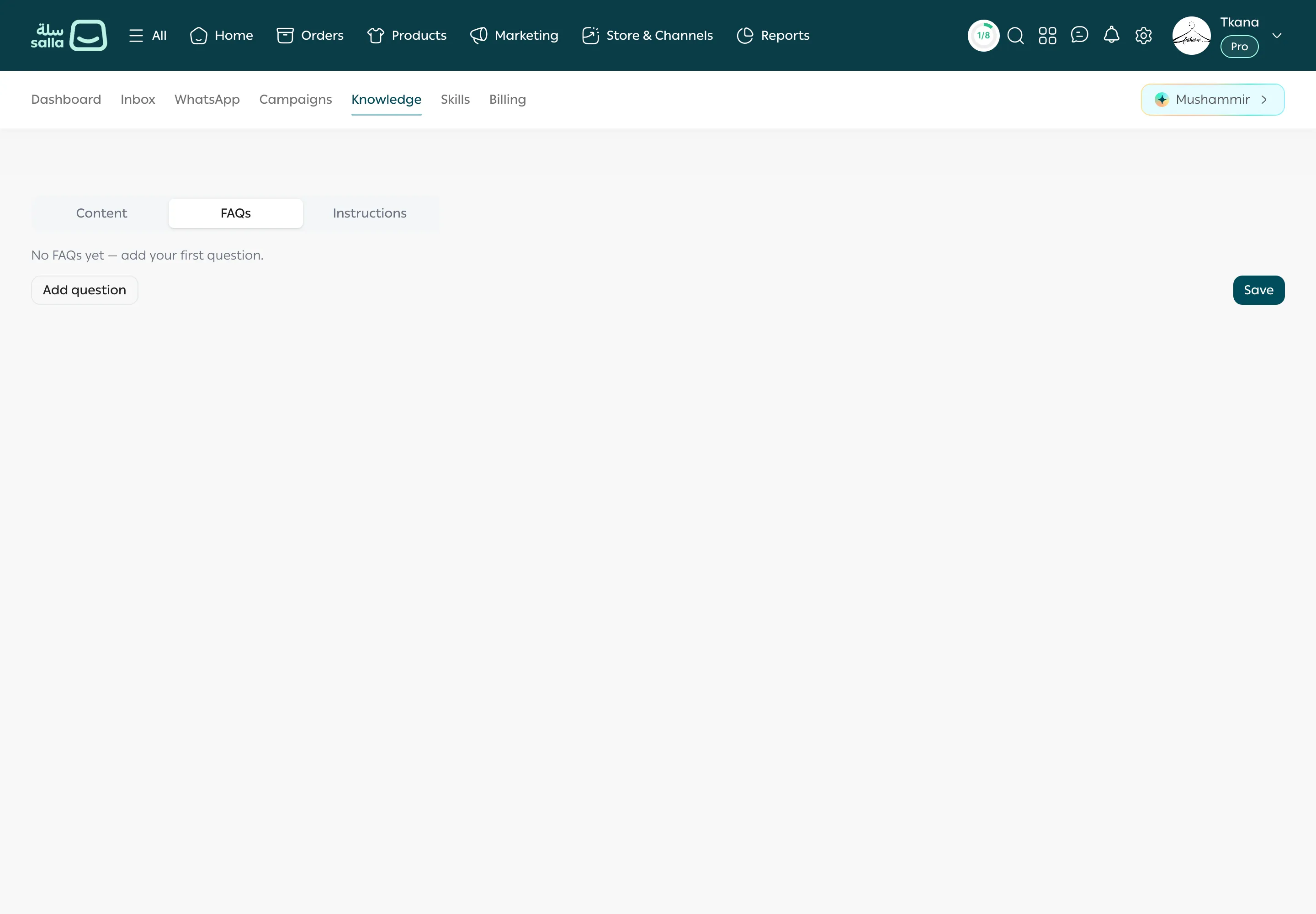
Open the Knowledge tab, then FAQs.
-
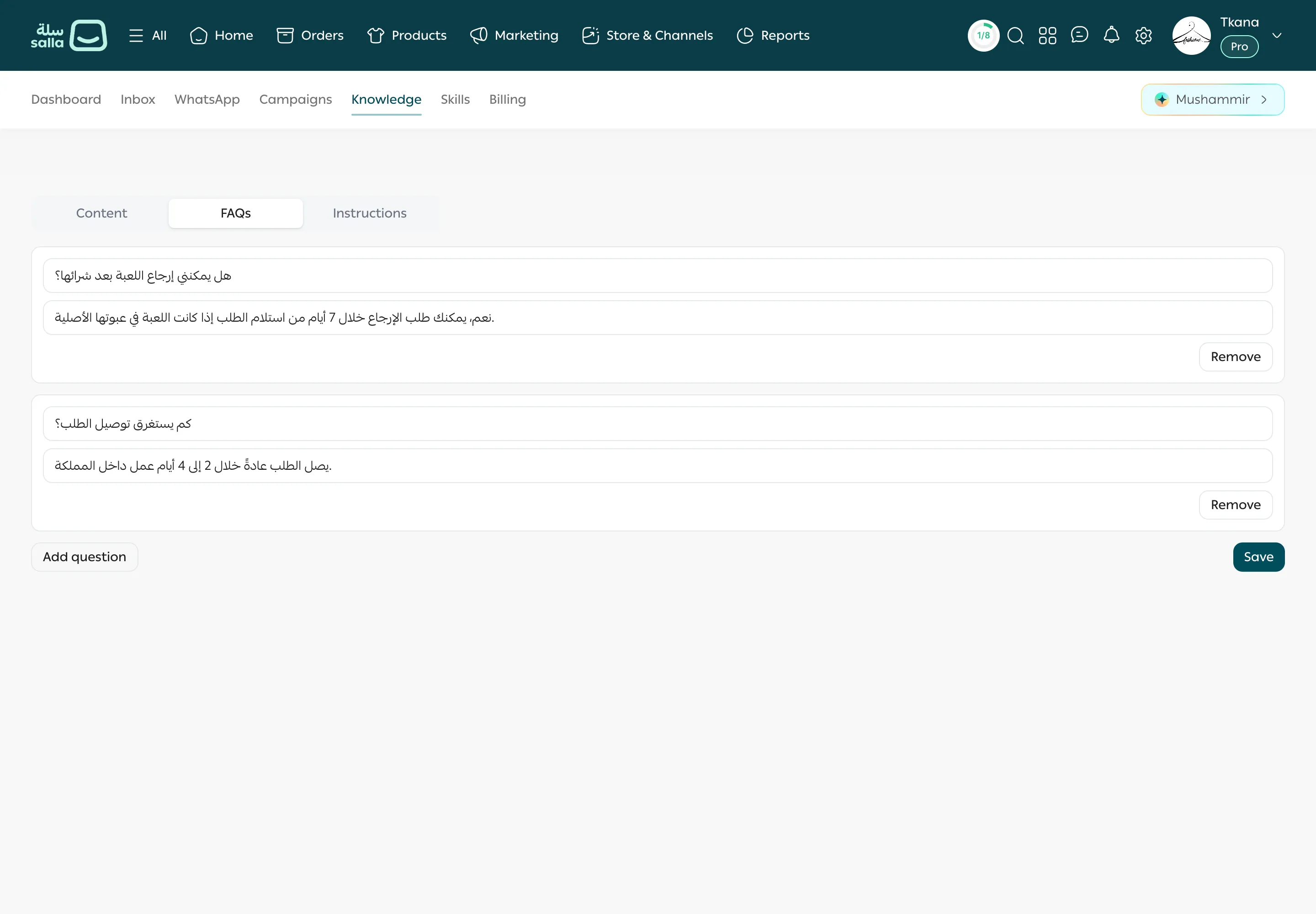
Click Add question. A new row appears with Question and Answer boxes.
-
Type the question, then the answer.
-
Repeat for every question you want to add.
-
Click Save. You see Saved.
Edit or remove a question
Section titled “Edit or remove a question”- To edit: change the text in the question or answer box, then click Save.
- To remove: click Remove next to the question, then click Save.
Questions we recommend adding
Section titled “Questions we recommend adding”- How long does delivery take? Which cities do you deliver to?
- How much is shipping? When is it free?
- What is your return and exchange policy?
- Which payment methods do you accept? Do you offer cash on delivery?
- How do I find the right size?
- Do you have a branch or a shop I can visit?
Was this article helpful?
Thanks for the feedback, it helps us improve these guides.
Need more help?