

Open tkana from your Salla dashboard
After you install it, tkana appears with your other apps in the Salla dashboard. You open it from there each time, and it runs inside the dashboard itself, so you never leave Salla.
Open the app
Section titled “Open the app”-
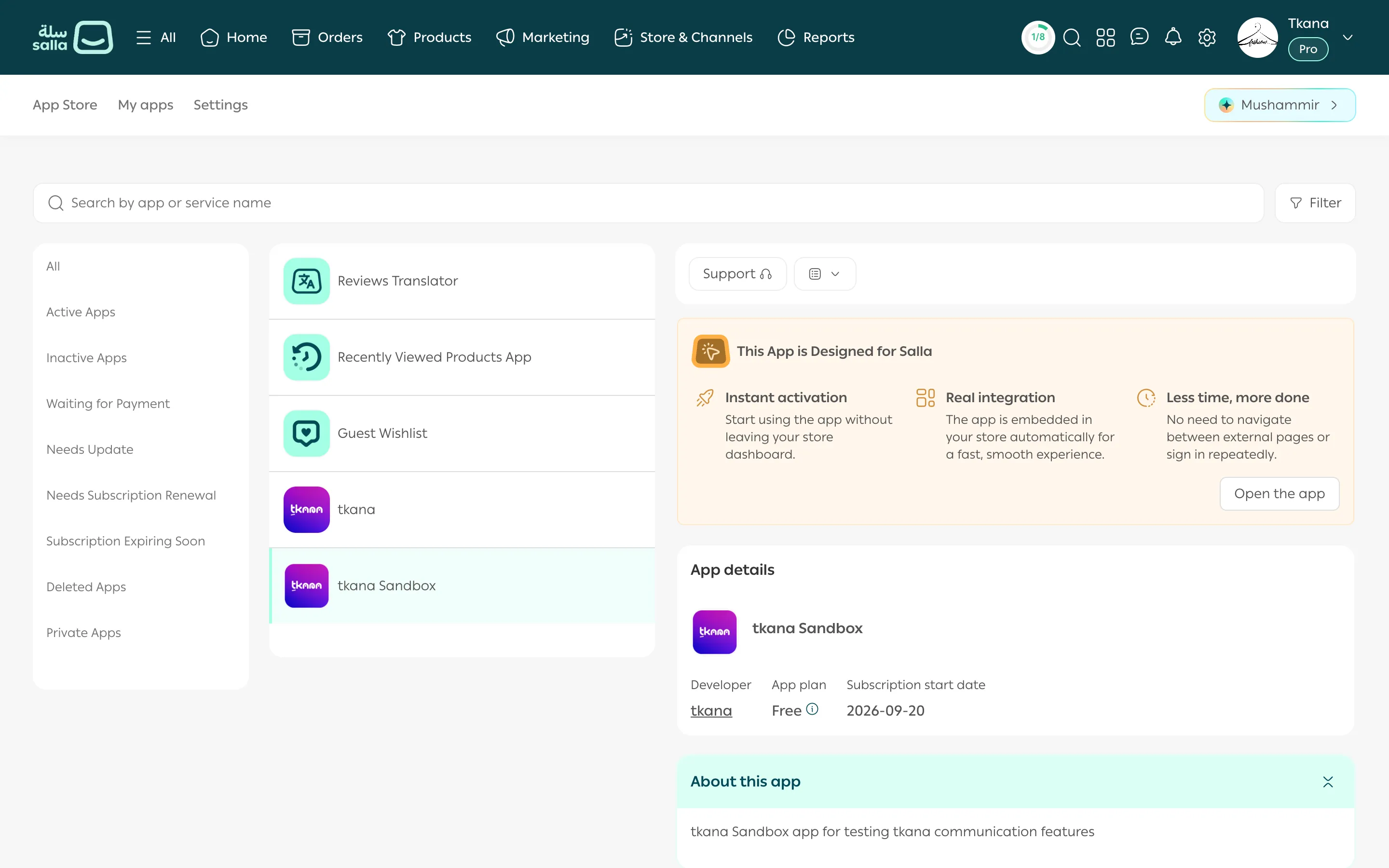
In your Salla dashboard, open Apps, then the My apps tab.
-
Choose tkana from your list of apps. The app’s page opens beside the list, with App details: the developer, the app plan, and the subscription start date.
-
Click Open app.
What you see when tkana opens
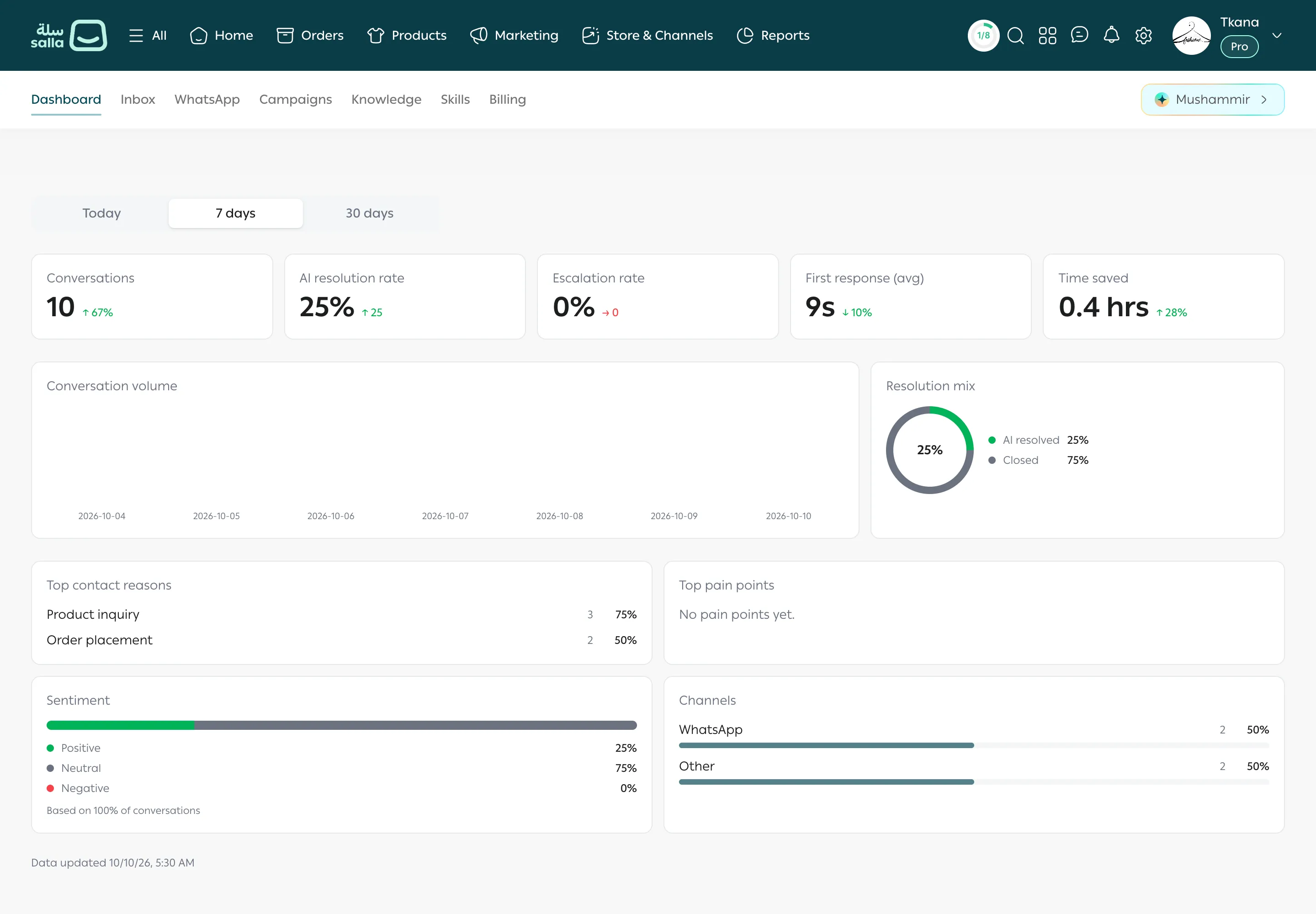
Section titled “What you see when tkana opens”tkana opens on the Dashboard tab. Its tabs appear in the sub-navigation bar at the top of the page, just below Salla’s main bar:
Dashboard, Inbox, WhatsApp, Campaigns, Knowledge, Skills, and Billing.
Click any tab to go to it. To learn what each one does, see A tour of the tkana tabs.
Was this article helpful?
Thanks for the feedback, it helps us improve these guides.