

Write instructions for your assistant
Instructions are extra directives the assistant always follows, whatever the customer asks. Content and FAQs tell the assistant what to say; Instructions tell it how to behave.
Write your instructions
Section titled “Write your instructions”-
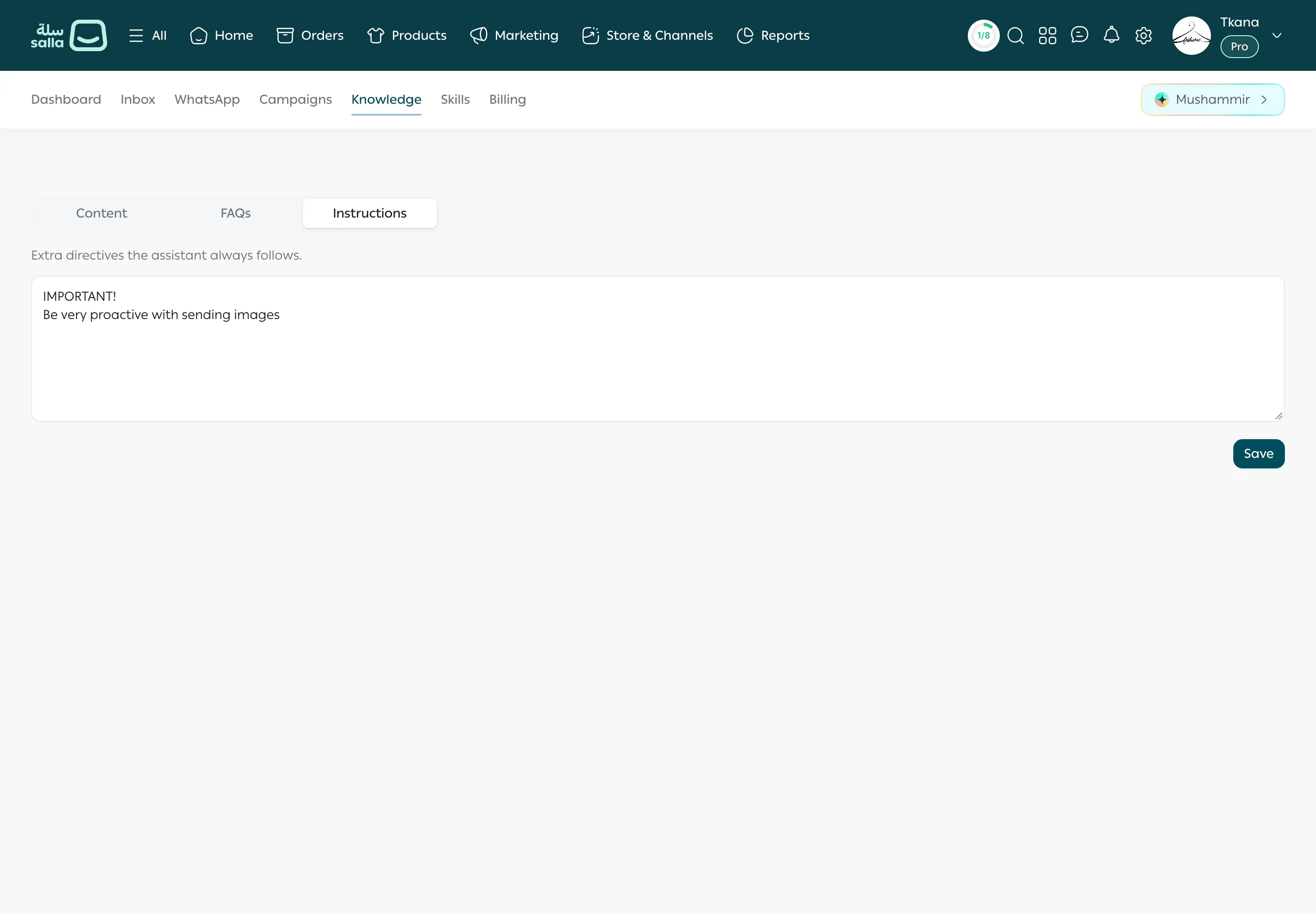
Open the Knowledge tab, then Instructions.
-
Type your directives in the box, one per line.
-
Click Save. You see Saved.
Examples of useful instructions
Section titled “Examples of useful instructions”Reply style
- “Always reply in the customer’s language.”
- “Keep replies short, no more than three lines.”
- “Be polite, and use the customer’s name if you know it.”
What the assistant never promises
- “Don’t promise delivery dates for orders outside Saudi Arabia.”
- “Don’t offer discounts on your own.”
When to hand over to your team
- “When a customer asks about wholesale orders, ask for the quantity, then escalate to the team.”
- “If a customer complains about a damaged product, apologize, ask for a photo, then escalate.”
Images and products
- “When suggesting a product, send its image with the link.”
Was this article helpful?
Thanks for the feedback, it helps us improve these guides.
Need more help?