

Let your agent book appointments in the chat
With the Book appointments skill, your agent books appointments during the conversation, against the real schedule of the staff member or room that delivers the service. Customers can also ask it to move or cancel an appointment at any hour.
Before you start
Section titled “Before you start”Add at least one active service and link it to at least one active resource with a weekly schedule. See Set up your services and resources.
Install the skill
Section titled “Install the skill”-
Go to Settings, then under AI click Skills.
-
Click Install from gallery and find Book appointments.
-
Click Install skill. When asked, enter the email address where your team should receive booking alerts.
-
Finish the installation. Your agent can start booking right away.
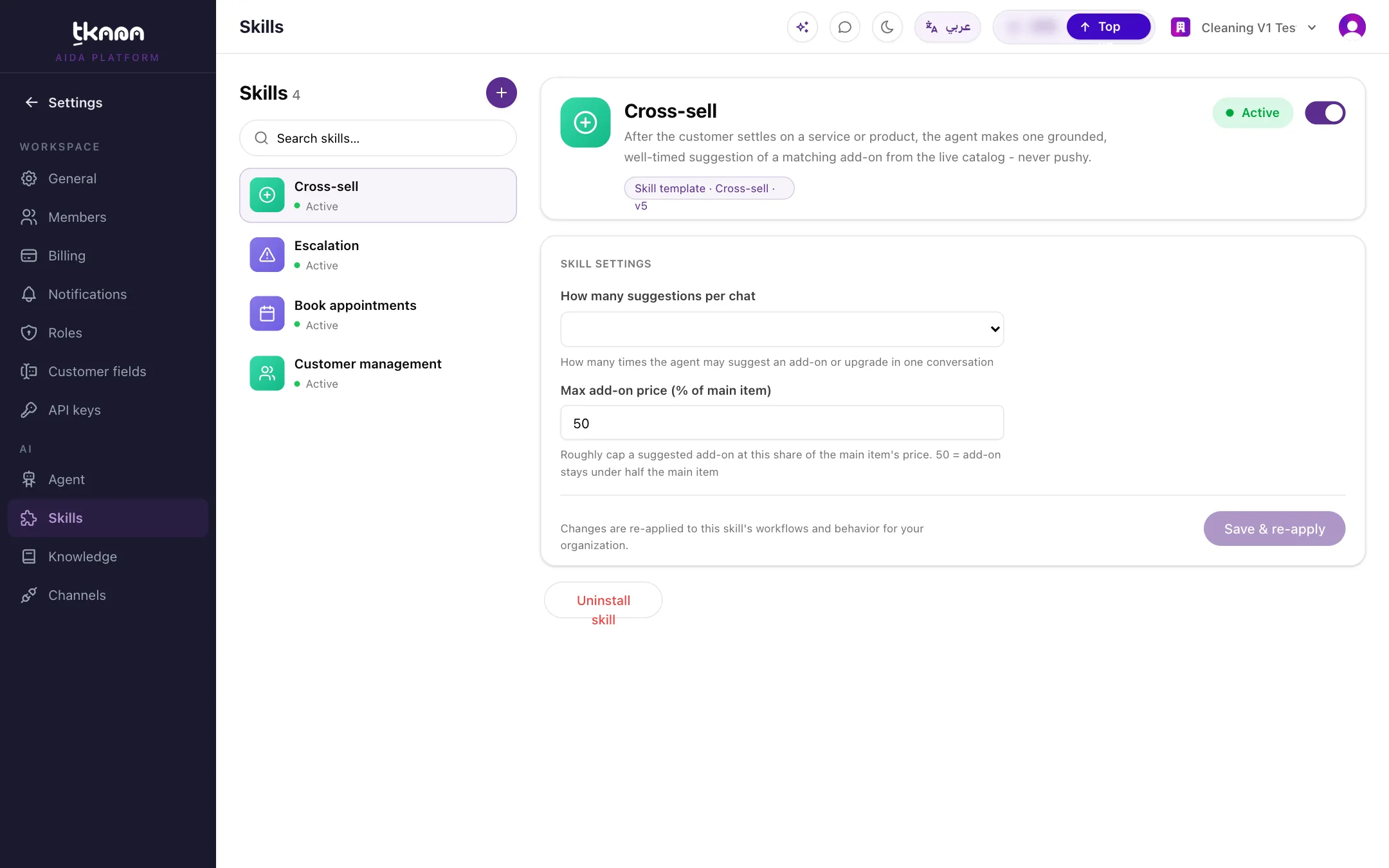
You can change the alert email later in the skill’s Skill settings.
What your customer experiences
Section titled “What your customer experiences”- The customer asks for a service, for example “Can I book a haircut on Thursday?”. The agent finds the matching service and the staff who provide it.
- The agent checks live availability and offers open times. It only offers times that are really free.
- The customer picks a time. The agent books it and replies with the booking reference, for example PP-9JCJ7Q.
- Later, the customer can ask to reschedule or cancel. The agent finds the booking and makes the change.
The agent only tells the customer an appointment is booked once the booking has really been created. If a booking fails, it says so and offers to involve your team.
Pending or confirmed
Section titled “Pending or confirmed”A new booking starts as:
- Confirmed, if the service does not need manual confirmation. The customer gets a confirmation right away.
- Pending, if the service has Needs manual confirmation turned on. Your team confirms or rejects it from the bookings board. See Manage bookings in the calendar and pipeline.
A safety net for missed bookings
Section titled “A safety net for missed bookings”Shortly after a conversation goes quiet, tkana reviews it. If the customer clearly agreed on a service, date, and time but no booking was created, the booking is created then. If anything is missing or unclear, nothing is booked.
Was this article helpful?
Thanks for the feedback, it helps us improve these guides.