

Test your agent
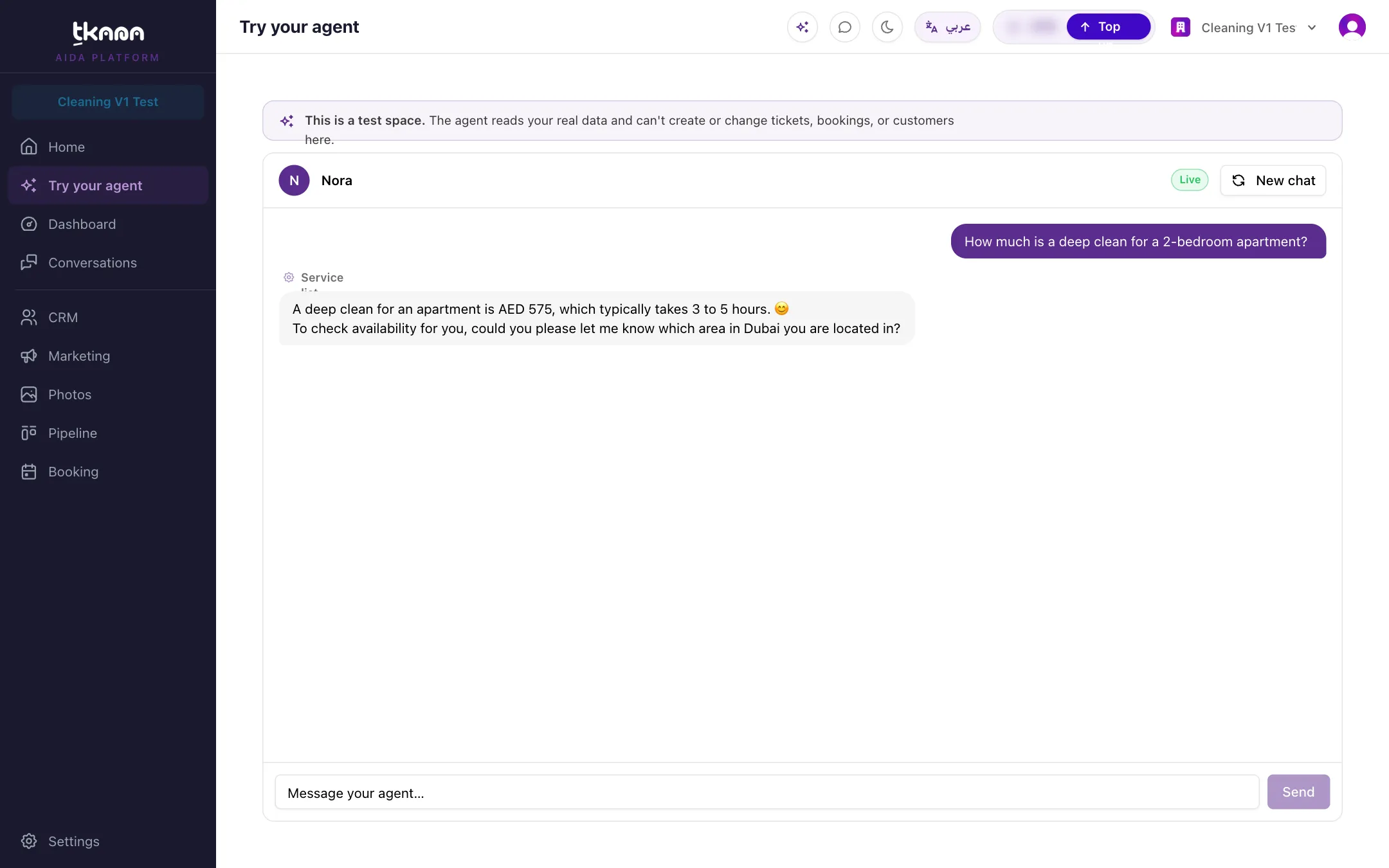
Try your agent lets you chat with your agent exactly as a customer would, using your real knowledge base and skills, without anything reaching a real customer. Use it before you connect a channel, and every time you change your knowledge or settings.
Start a test chat
Section titled “Start a test chat”-
Click Try your agent in the sidebar.
-
Type a message in the box, for example “What are your prices?” or “Can I book for tomorrow?”, and click Send.
-
Read the reply. Keep the conversation going the way a real customer would.
-
To start over, click New chat.
What the test space does and does not do
Section titled “What the test space does and does not do”A banner at the top reminds you: This is a test space. Your agent reads your real data, such as your knowledge base, services, and availability, so its answers match what customers would get. But it cannot create or change tickets, bookings, or customers here. When your agent would normally take one of those actions, the test chat shows it with a Not saved marker.
Test chats do not appear on the Conversations page and do not count on your dashboard.
What to test
Section titled “What to test”- Common questions: prices, opening hours, location, and your most-asked FAQs.
- Questions it should not answer: something that is not in your knowledge base. Your agent should say it does not know, or pass the question to your team, rather than guess.
- Both languages: ask in Arabic and in English.
- Your skills: ask to book an appointment, open a complaint, or speak to a person, and check what your agent does.
If an answer is wrong or missing, fix it in Settings > Knowledge, then test again. See Understand your knowledge base.
Was this article helpful?
Thanks for the feedback, it helps us improve these guides.